
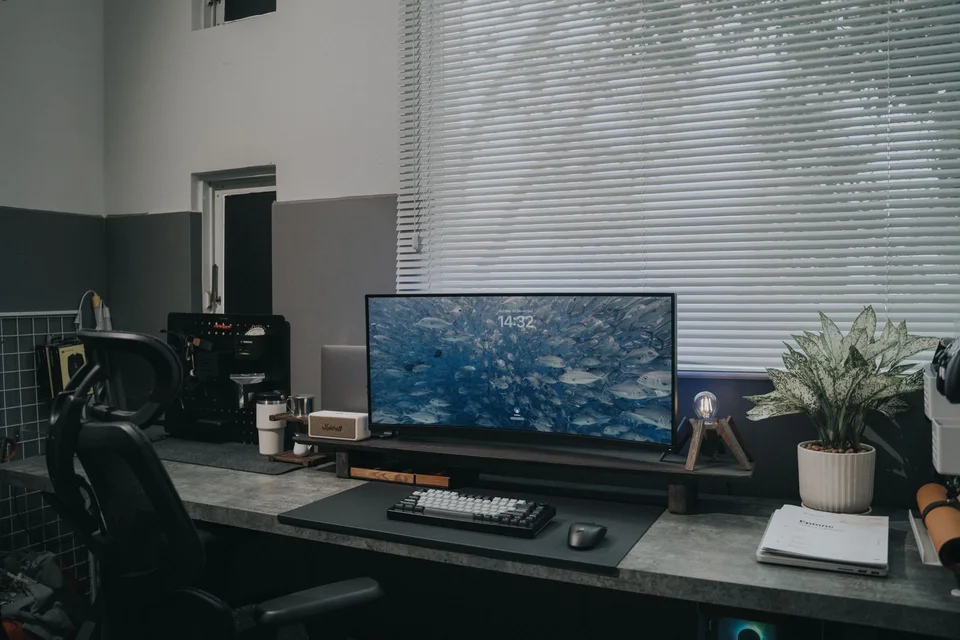

A desk by a sunny window seems like the loveliest place to work until the afternoon arrives and the monitor becomes a mirror. Before replacing the screen or buying a new lamp, take a moment to find out where the reflection actually comes from. A small change in the direction of the desk can make a bigger difference than an expensive accessory.
A comfortable office needs light for reading and writing as well as a clear view of the screen. The aim is to balance these needs, not to work in a dark room.
Start with the free fixes#
If you see the window reflected on the screen, change the screen position or close the blind enough to remove the reflection. If the window is behind the monitor and feels too bright, diffuse that light instead. If only one small spot is visible, look for a lamp or ceiling fixture. Try one adjustment at a time, from your usual seated position.
Find the source of the reflection#
Look at the monitor from your usual seated position while displaying a dark image or with the screen switched off. Notice whether you can see a window, a ceiling fixture, a lamp or a bright white wall reflected in it. Repeat the check at different times of day if sunlight moves across the room.
A reflection on the screen and an uncomfortable bright light in your field of view are different problems. A window immediately behind the monitor may create uncomfortable contrast even if you cannot see its reflection. A window behind your chair may appear directly on the screen.
| What you notice | Likely cause | First adjustment |
|---|---|---|
| Bright rectangle on display | Window reflected from behind you | Turn desk or screen |
| Bright background behind display | Window in direct field of view | Change orientation or diffuse daylight |
| Small concentrated reflection | Desk lamp or ceiling light | Reposition or shade fixture |
| Washed-out image in afternoon | Strong direct or reflected daylight | Adjust blinds and screen position |
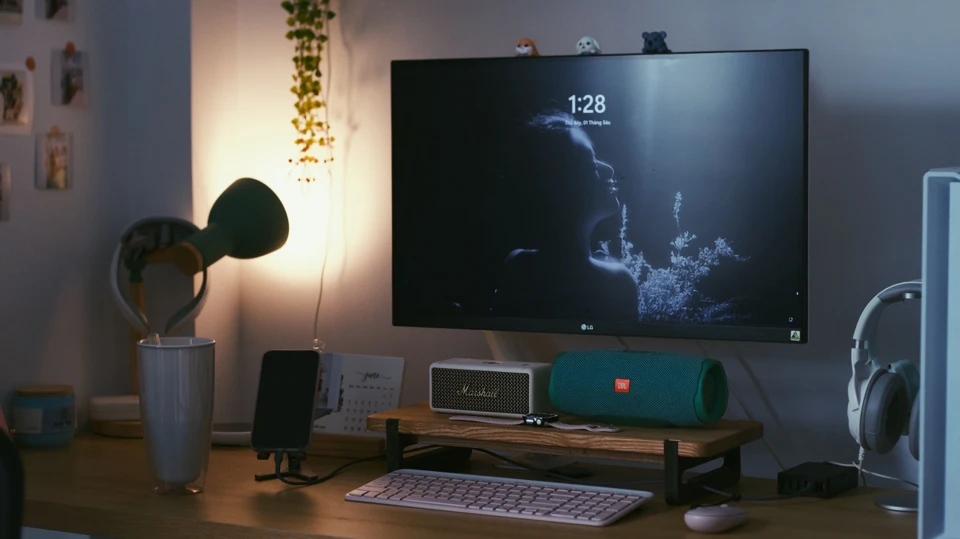
Turn the desk sideways to the window#
OSHA workstation guidance recommends orienting displays so they are at right angles to bright windows. In a typical room, this means a window is off to one side rather than directly in front of or behind the monitor. Try this orientation first if the furniture and outlets permit it.
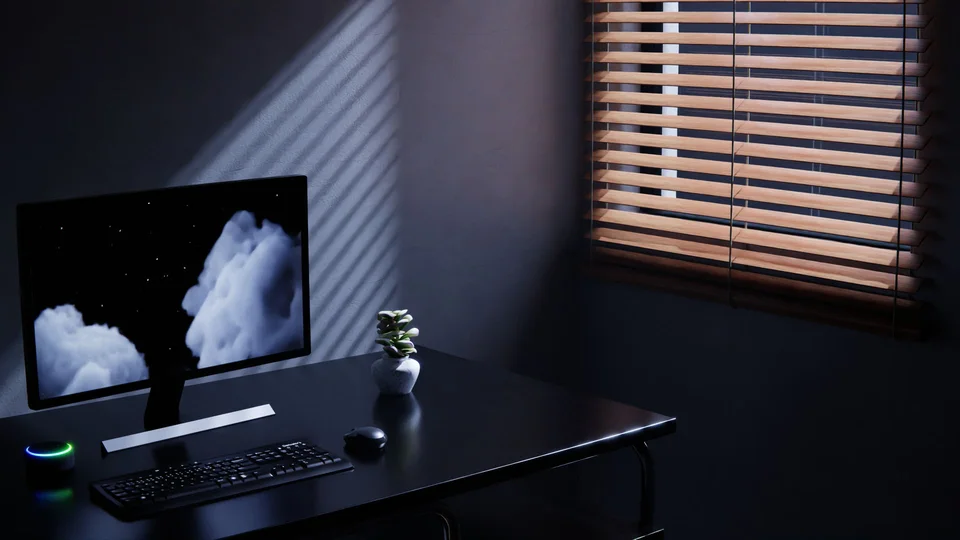
A side-facing desk also preserves the view from the window when you look away from the screen. Avoid forcing the chair into a tight corner simply to achieve the ideal direction. Your keyboard and chair still need comfortable positioning, and cables should not cross a walking route.
| Window relative to your seated position | Typical issue | First thing to try |
|---|---|---|
| Behind you | Reflection on screen | Rotate the workstation or use blinds |
| Directly ahead, behind screen | Bright background in view | Move the window to one side or diffuse it |
| Off to one side | Possible oblique reflections | Fine-tune monitor angle and blinds |
These are common patterns, not a guarantee: screen finish, window position and other reflective surfaces can change the result.
If the desk cannot move, adjust the screen angle a little at a time. A small change can move the reflection away from your normal viewing area. Keep the screen directly ahead when possible instead of making yourself turn to read.
Control daylight without losing it#
A translucent shade can soften bright daylight while keeping a home office pleasant. Adjustable blinds offer more control as the sun changes direction, and an opaque shade can help at the time of day when direct sunlight is particularly troublesome.
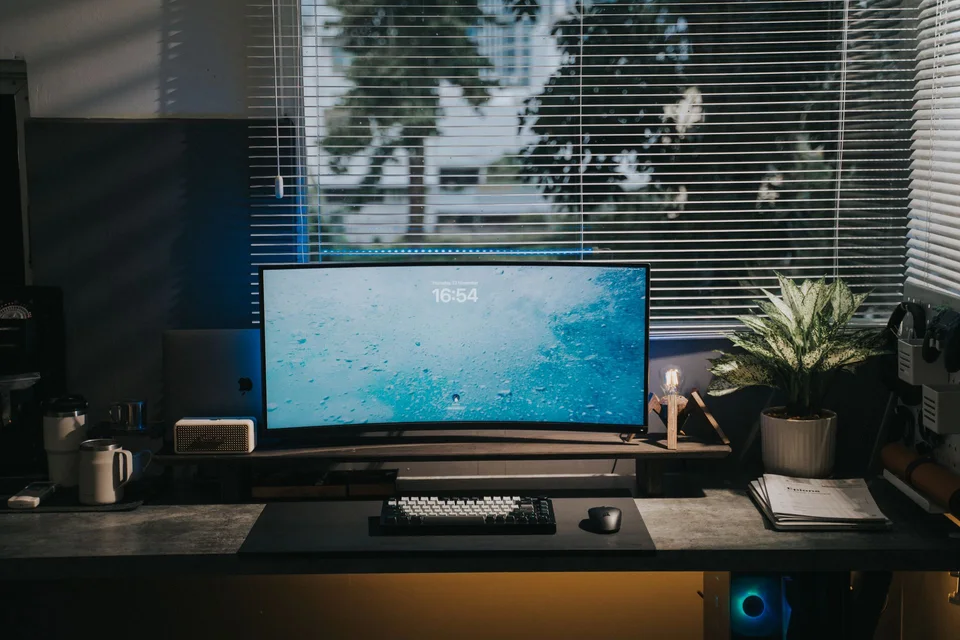
Consider a combination of a light-filtering layer and a second layer for stronger sunlight if the window is difficult to manage. Check the actual fabric against the afternoon sun; a pale shade may itself become a large bright surface. Window coverings in homes with young children should be selected and installed with cord safety in mind.
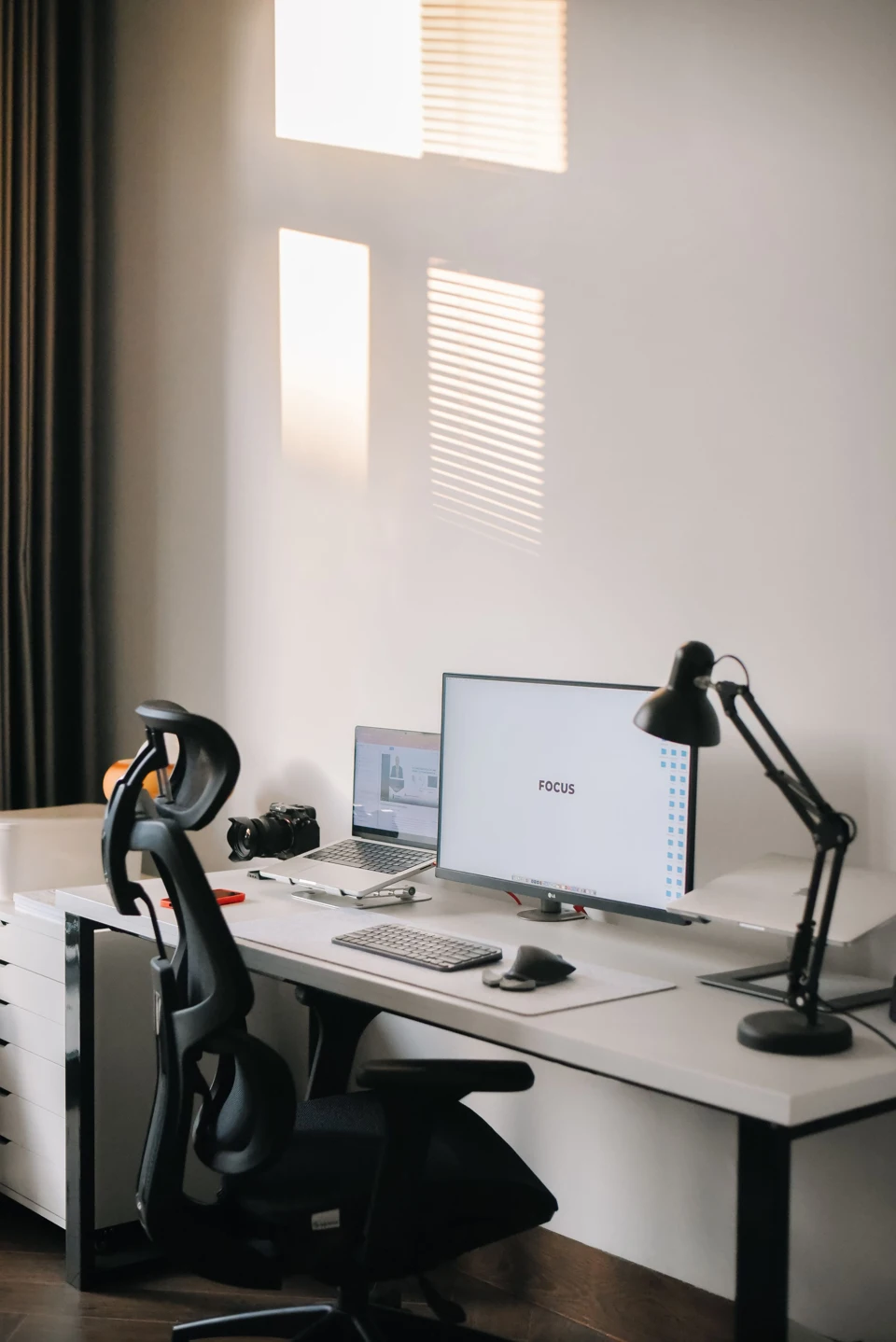
Place task lighting away from the screen#
A lamp is most useful when it lights your notes and keyboard rather than shining toward your eyes or bouncing off the monitor. Position it beside the work area, with the light directed down and away from reflective surfaces. A shaded, adjustable lamp allows you to change the angle as your task changes.
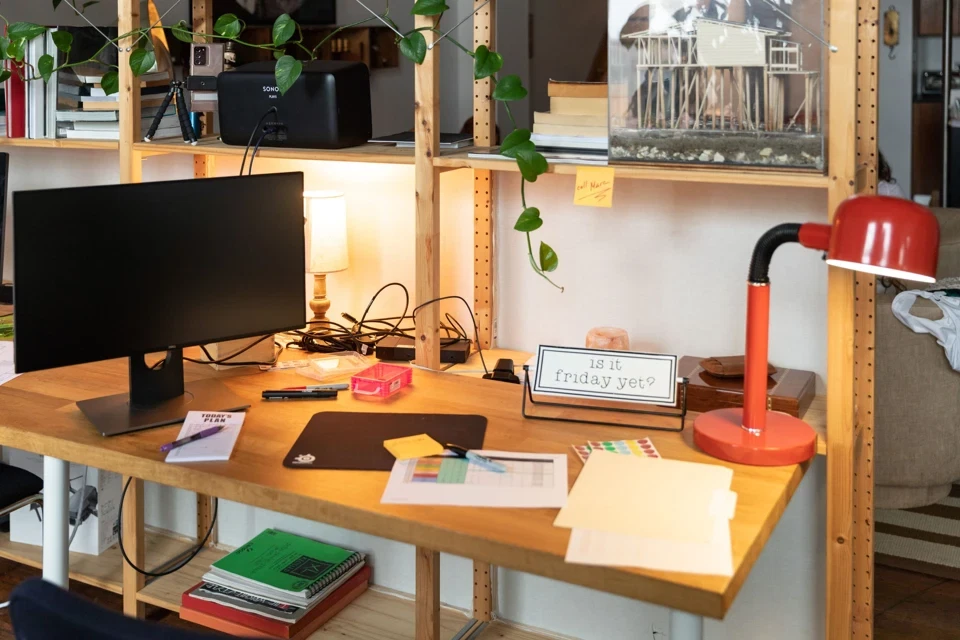
When writing by hand, try the lamp on the side opposite your writing hand to reduce shadows. Check that the shade hides the bright bulb from your seated view and that the beam does not reflect on the monitor. A glossy desk can create reflections even if the screen itself is matte.
If a ceiling light is reflected in the display, first test whether another room light can provide enough illumination instead. Do not tilt the monitor so far to avoid a reflection that you have to raise or lower your head uncomfortably.
In the evening, avoid having the screen as the only bright object in the room. A modest amount of diffuse room lighting can reduce the sharp contrast between the display and its surroundings.
Adjust the display after the room lighting#
Set the brightness to a level that feels comfortable in the current room, then increase text size if reading still requires leaning forward. Check that your operating system and monitor settings have not created an unnecessarily harsh contrast for your usual work.
A matte screen surface can make sharp reflections less noticeable, although it does not eliminate all effects of strong ambient light. An anti-glare filter may be useful if other adjustments are insufficient, but check compatibility with the display, touch functionality and any existing coating. Some filters change perceived sharpness or color, which matters for design work.
| Option | Helps with | Limitation |
|---|---|---|
| Adjust brightness | Reading comfort in changing ambient light | Does not remove a reflected window |
| Matte anti-glare film | Scattering sharp reflections | Can affect contrast, touch and image clarity |
| Adjustable shade or blind | Reducing incoming daylight | May need adjustment during the day |
A blue-light setting is not a substitute for controlling a reflection. It changes the color or spectral characteristics of the display; the window or lamp still needs to be dealt with.
Work with a laptop or multiple monitors#
A laptop screen is often glossy and its angle is linked to the built-in keyboard. For a longer work session, a separate keyboard and stable laptop stand can allow the screen to be positioned independently. Keep the ventilation openings clear.
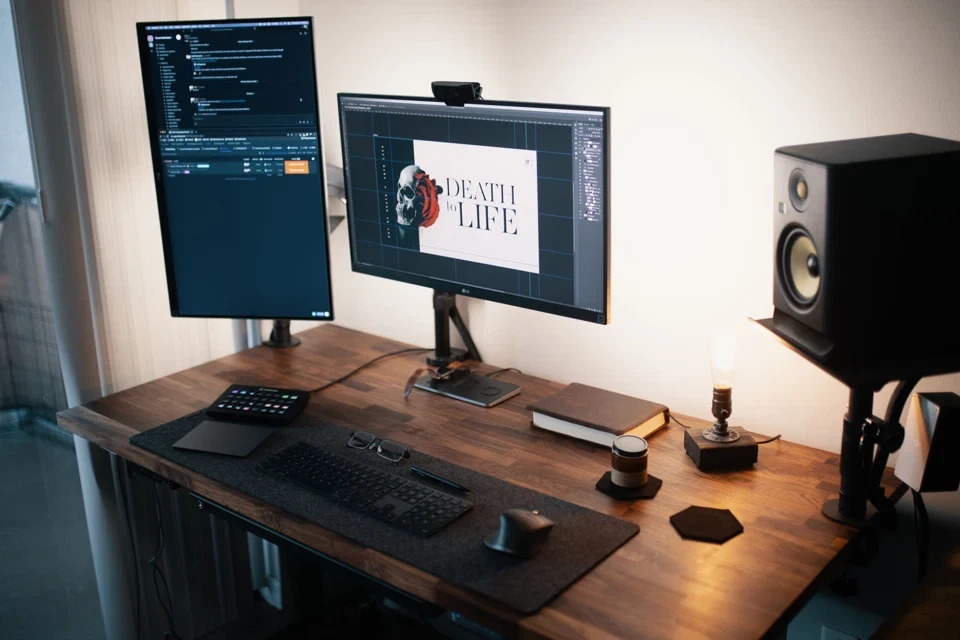
With two monitors, make the reflection test on each. Turning one screen away from a window may move a reflection onto the other. Arrange the primary display for the work you do most often rather than insisting that both monitors form a perfectly symmetrical composition.
A five-minute glare check#
- Sit in your normal working position and display a dark image. Identify the strongest visible reflection.
- Adjust the window covering or rotate the screen slightly, keeping your neck and keyboard position comfortable.
- Redirect the desk lamp toward the paperwork and check overhead fixtures.
- Display your usual work and adjust brightness and text size for comfortable reading.
- Repeat at the time of day when glare is worst, and check each monitor separately.
If a change helps only when you lean or twist, reverse it and try another approach. Keep enough ambient light to move around safely and read printed material.
The result should be readable text and a comfortable working posture without squinting, leaning or repeatedly moving your head. If discomfort persists, seek individualized advice from an eye-care or healthcare professional rather than assuming lighting is the only cause.
My ergonomic desk setup guide covers the rest of the workstation, and modern home office ideas can help you integrate the practical details into a room you enjoy spending time in.